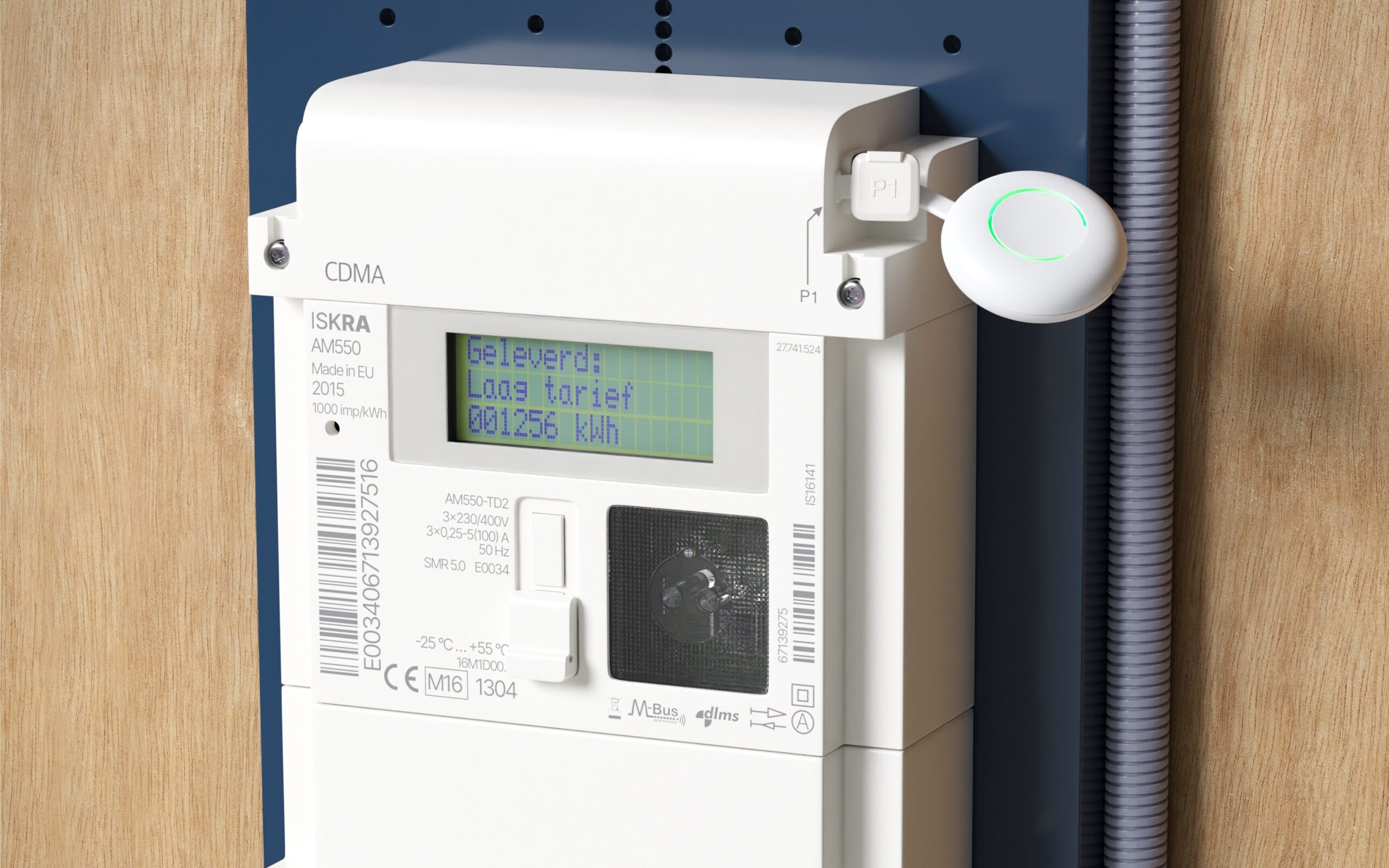
Getting your smart meter data through Slimmemeterportal requires an API key. This guide will help you obtain and use your API key safely.
What is Slimmemeterportal?
Slimmemeterportal.nl is a service that allows you to access your smart meter data programmatically. It connects to your energy provider's systems and retrieves your real-time energy consumption data.
Why Do You Need an API Key?
An API key is like a secure password that allows our application to access your smart meter data on your behalf. This ensures:
- Security: Only authorized applications can access your data
- Privacy: You control which applications have access
- Reliability: Direct connection to your smart meter data
How to Get Your API Key
Step 1: Register at Slimmemeterportal.nl
- Visit slimmemeterportal.nl
- Click on "Register" or "Sign Up"
- Fill in your details (email, password, postal code, house number)
- Verify your email address
Step 2: Link Your Smart Meter
- Log in to your Slimmemeterportal account
- Navigate to "Add Meter" or "Link Smart Meter"
- Select your energy provider from the list
- Enter your energy provider credentials
- Authorize Slimmemeterportal to access your meter data
Step 3: Generate API Key
- Go to "Settings" or "API Settings"
- Click on "Generate API Key" or "Create New Key"
- Copy your API key - keep it safe and private!
- Optionally, give your API key a name (e.g., "WB4Y Integration")
Using Your API Key with WB4Y
Once you have your API key:
- Return to WB4Y
- Go to the login/data connection page
- Select "Smart Meter Portal" option
- Paste your API key in the designated field
- Click "Connect" to start retrieving your data
Important Security Notes
⚠️ Keep Your API Key Secret
- Never share your API key with anyone
- Don't post it on social media or public forums
- Treat it like a password
Troubleshooting
"Invalid API Key" Error
- Double-check you copied the entire key
- Ensure there are no extra spaces
- Verify the key hasn't been revoked
"Connection Failed" Error
- Check your internet connection
- Verify Slimmemeterportal is accessible
- Ensure your smart meter is properly linked
Alternative Data Input Methods
If you prefer not to use the API key method, WB4Y also supports:
- Manual Entry: Enter your annual energy consumption manually
- iDIN + MijnEnergieData: Use your bank credentials to securely fetch historical data
Choose the method that works best for you!
Last updated: December 2024